
Problem
Sometimes you may want to know what types of Theme tokens applied to the current site.
Let’s say you have the following site with the

Step By Step Solution
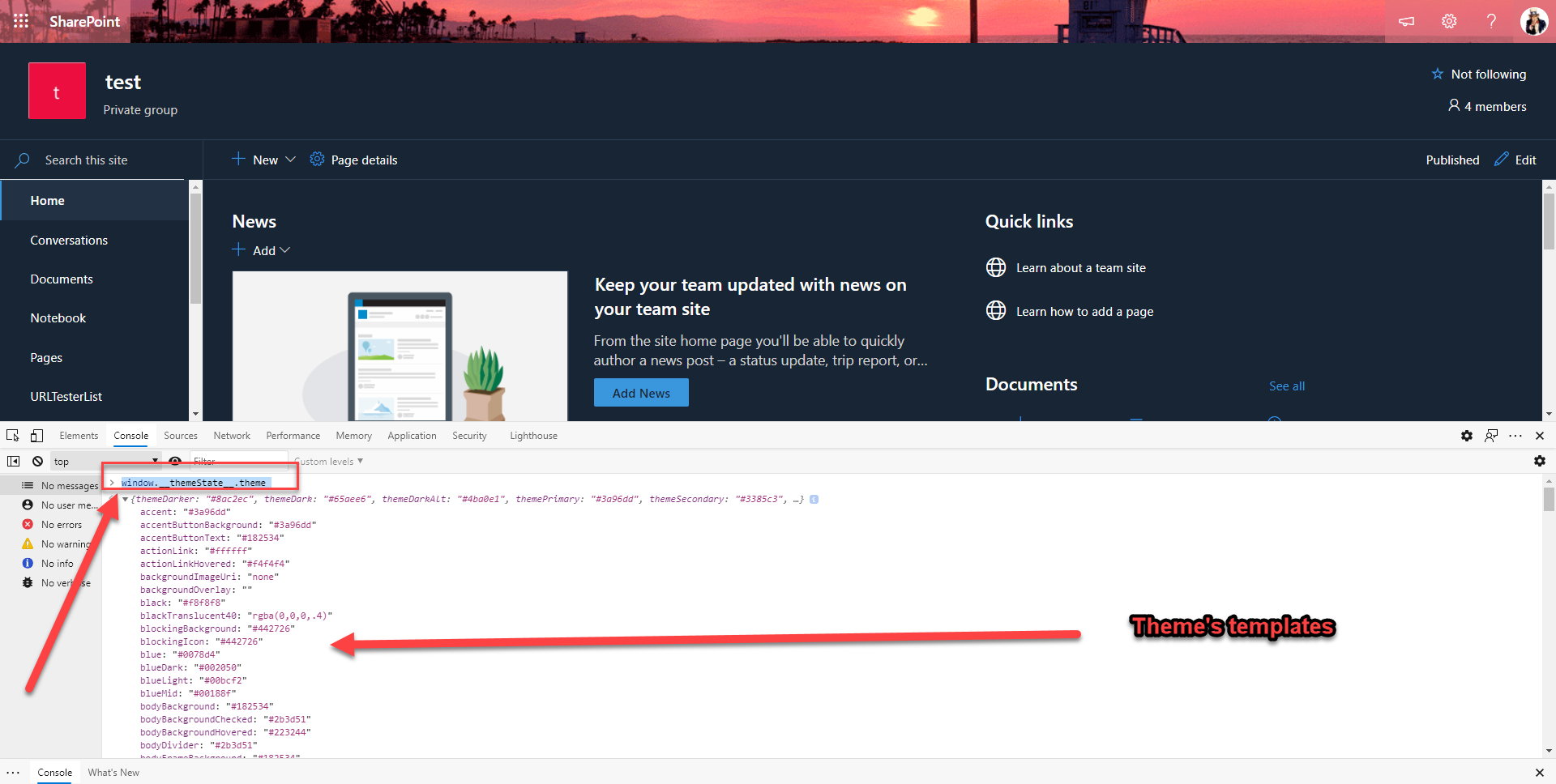
It is a simple step, just F12 or Go to Developer Tools on your browser an type.
window.__themeState__.themeYou will see all the applied theme’s templates.
Result
Using the console debug window.__themestate__.theme you were able to see all applied themes to the site.


 Pankaj Surti's Blog